
When fulfillment teams make mistakes during order packing, the cost to your business extends far beyond shipping a replacement. Mispacked items lead to negative customer reviews, double shipping carrier fees, wasted warehouse labor, and high return processing costs. In fast-paced eCommerce fulfillment centers, the difference between a 99.8% order accuracy rate and chaotic return queues usually comes down to a single physical piece of paper: the packing slip.
Too many WooCommerce store owners make the mistake of treating packing slips as identical to customer invoices, or worse, printing invoices with financial details and handing them to pickers. A customer invoice is a legal and accounting document. A warehouse packing slip is a tactical fulfillment roadmap. In this in-depth guide, we break down what warehouse pickers and packers actually need on their packing slips to pack faster, eliminate errors, and scale holiday fulfillment operations.
Invoice vs. Packing Slip: The Critical Operational Difference
Before optimizing your warehouse workflow, it is vital to separate the financial requirements of the buyer from the physical needs of fulfillment personnel:
- Customer PDF Invoice: Designed for the buyer and their accounting department. It contains itemized prices, tax breakdowns (VAT/GST), payment transaction IDs, billing addresses, and discount coupon codes.
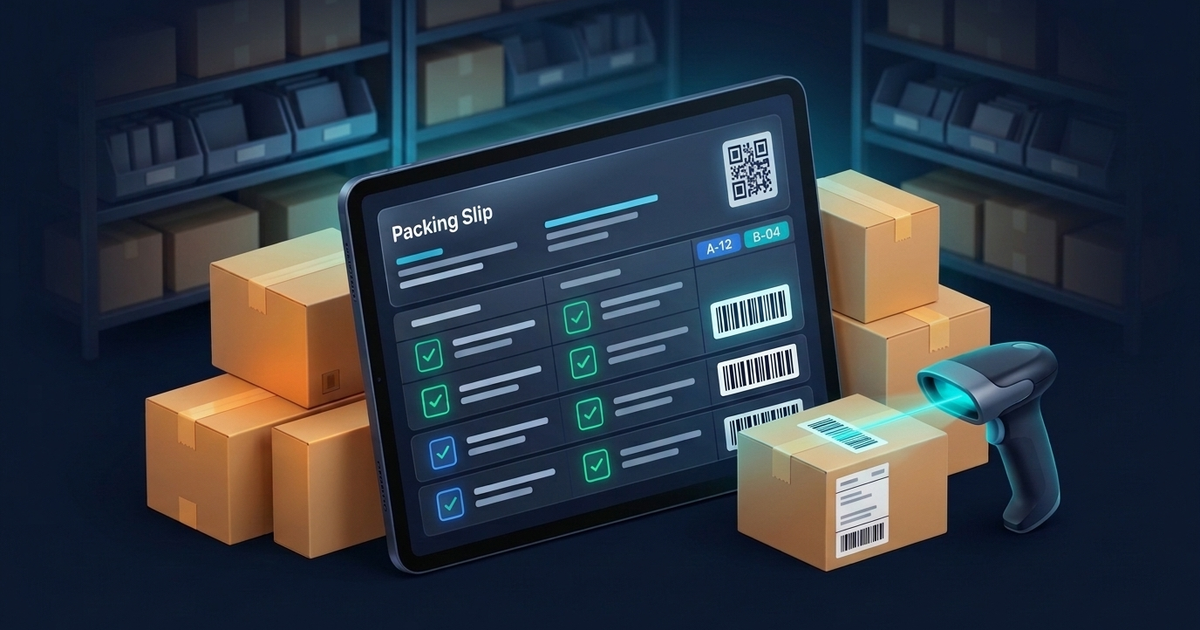
- Warehouse Packing Slip (Pick List): Designed for fulfillment staff, warehouse pickers, and box packers. It highlights physical inventory location (bin, aisle, shelf), exact product variations (size, color, SKU), item quantities, scannable barcodes, and physical packaging instructions.
Including financial data on warehouse packing slips is not just visual clutter. It introduces serious operational risks. If you run a dropshipping model, fulfill corporate gift orders, or ship holiday presents where the recipient is not the buyer, printing prices on a packing slip ruins the customer gifting experience and breaches privacy expectations.
The 7 Essential Elements Warehouse Pickers Actually Need
When pickers navigate warehouse aisles pushing rolling carts or holding handheld scanners, every second spent squinting at illegible fonts or hunting for missing information translates into delayed shipments. Here are the 7 non-negotiable data points every high-performance WooCommerce packing slip must feature:
1. Prominent Bin and Shelf Locations (Aisle – Bay – Shelf)
Without bin numbers, a picker must rely on personal memory or search inventory alphabetically across thousands of square feet. Displaying a clear location tag (such as Aisle 04 / Bay B / Shelf 2 / Bin 12) directly next to the product title cuts picking travel time by up to 40%.
2. Scannable Order and SKU Barcodes
Modern warehouse verification relies on handheld optical scanners. Having high-contrast 1D (Code 128) or 2D (QR) barcodes on the packing slip allows the packer to scan the sheet, immediately bring up the order in your warehouse management software (WMS), and scan each physical item before taping the box shut.
3. Explicit Product Variation Attributes
In WooCommerce, variable products are notorious for fulfillment confusion. A generic line reading “Performance Hoodie” invites errors. High-efficiency packing slips print parent titles alongside bold, high-contrast variation attributes: Color: Heather Grey | Size: XL | Gender: Unisex. This prevents shipping the wrong size when products look identical in polybags.
4. High-Contrast Quantity and Verification Checkboxes
One of the most common warehouse packing mistakes is overlooking item multipliers (e.g., shipping 1 unit instead of 3 units). Your packing slip should feature enlarged, bold quantity counters (QTY: 3) paired with physical check-off boxes where the picker marks each verified unit with a grease pencil or ballpoint pen.
5. Compact Product Thumbnail Images
A picture is worth a thousand SKU numbers. Including a clean, crisp 40×40 pixel product thumbnail on the document gives pickers an immediate visual anchor. Visual confirmation is especially critical in apparel, jewelry, and multi-colored hardware parts where textual descriptions can be ambiguous.
6. Customer Delivery Notes & Special Instructions
If a customer requests “Please pack with extra bubble wrap” or “Leave by back gate behind dog run”, this information must appear front-and-center for the packing station team, rather than buried under billing terms or omitted entirely.
7. Packer Sign-off and Quality Control Initial Box
Accountability improves accuracy. Including a designated “Packed By [ ]” and “Inspected By [ ]” footer stamp creates a personal quality checkpoint that encourages fulfillment staff to double-check contents before placing the slip into the shipment.
Feature Matrix: Customer Invoice vs. Warehouse Packing Slip
To help you structure your document templates, compare how data fields should be handled across the two documents:
| Data Field | Customer PDF Invoice | Warehouse Packing Slip | Operational Reason |
|---|---|---|---|
| Unit Price & Subtotals | Mandatory | Hidden / Excluded | Protects wholesale pricing, gift privacy, and removes distraction. |
| Tax / VAT Breakdown | Mandatory (Legal) | Excluded | Pickers do not need tax rates to pack a parcel. |
| Bin / Shelf / Aisle Tag | Hidden / Irrelevant | Mandatory | Guides optimal footpaths across the warehouse floor. |
| Physical Checkboxes | None | Mandatory | Enables physical tactile tallying during item picking. |
| Product SKU & Barcode | Optional | Mandatory | Required for barcode scanner verification and inventory audit. |
| Item Variation Details | Standard text | High-contrast bold | Prevents shipping wrong size or color variant. |
| Product Thumbnail | Optional | Recommended | Provides instant visual recognition for pickers. |
| Order Weight / Dimensions | Optional | Mandatory | Enables packers to select the right box size and postage class. |
How to Customize WooCommerce Packing Slips with WPWing
Setting up clean, professional packing slips in WooCommerce does not require complex custom coding or bulky, expensive enterprise extensions. With WPWing PDF Invoice & Packing Slip for WooCommerce (WordPress.org link), you can configure dedicated packing slips in minutes.
Step 1: Enable Dedicated Packing Slip Documents
In your WordPress admin dashboard, navigate to WPWing Invoicing > Documents > Packing Slip. Toggle the packing slip module to active. WPWing maintains separate template settings for invoices and packing slips, ensuring that formatting changes made for warehouse operations never alter your customer invoices.
Step 2: Configure Picker-Friendly Columns
Within the packing slip layout builder, customize the table columns specifically for fulfillment:
- Enable SKU Display: Ensure the SKU column is toggled on and positioned alongside product titles.
- Display Product Thumbnails: Enable 40px visual thumbnails to accelerate visual identification on the sorting line.
- Activate Physical Checkboxes: Check the option to render tactile pick check-boxes in the right-hand column.
- Hide Financial Elements: Ensure prices, taxes, and order totals are turned off.
Step 3: Enable High-Density Bulk Printing
During peak holiday sales like Black Friday or Valentine’s Day, warehouse managers need to print hundreds of packing slips at once. WPWing supports bulk generation directly from the WooCommerce > Orders screen. Select multiple orders, choose Bulk Actions > Print WPWing Packing Slips, and compile a single multi-page PDF document optimized for thermal or standard laser printers without consuming excessive server memory.
Developer Snippet: Injecting Custom Warehouse Bin Locations
If you store inventory bin locations inside custom product meta fields (such as Advanced Custom Fields or standard WordPress custom fields like _warehouse_bin), you can inject this data directly into the WPWing packing slip item table using native WordPress hooks:
<?php
/**
 * Add Warehouse Bin Location to WPWing Packing Slip Item Details
 * Place this snippet inside your child theme's functions.php or a custom plugin.
 */
add_action( 'wpwing_packing_slip_after_item_meta', function( $item, $order ) {
    $product_id = $item->get_product_id();
    $variation_id = $item->get_variation_id();

    // Check variation first, then fall back to parent product
    $target_id = $variation_id ? $variation_id : $product_id;
    $bin_location = get_post_meta( $target_id, '_warehouse_bin', true );

    if ( ! empty( $bin_location ) ) {
        echo '<div class="wpwing-warehouse-bin" style="font-size: 11px; color: #1e293b; margin-top: 4px;">';
        echo '<strong>Bin Location:</strong> <span style="background: #e2e8f0; padding: 2px 6px; border-radius: 3px; font-family: monospace;">' . esc_html( $bin_location ) . '</span>';
        echo '</div>';
    }
}, 10, 2 );
This snippet guarantees that your pickers always see the precise shelf location beneath every product line, keeping foot traffic moving efficiently across warehouse aisles.
Frequently Asked Questions (FAQ)
Should packing slips be included inside every eCommerce package?
Yes. Even in an increasingly paperless world, physical packing slips serve as a final quality verification check for the recipient. If a box is damaged in transit or the outer shipping label gets scuffed, carriers and customs officials use the internal packing slip to identify the destination address and rightful owner.
Can WPWing generate packing slips automatically when an order is paid?
Yes. WPWing integrates seamlessly with WooCommerce order status transitions. You can configure the plugin to generate the packing slip PDF automatically when orders enter “Processing” status and attach the document to your internal warehouse notification email.
Does WPWing support thermal label printers for packing slips?
Yes. WPWing allows you to set custom page dimensions and margins. You can select standard A4 or Letter sizes for laser printers, or configure custom 4×6 inch paper dimensions tailored specifically for warehouse thermal packing slip rolls.
What happens when an order contains backordered or split items?
If an order includes out-of-stock items or backorders, WPWing clearly denotes the item status next to the quantity. This alerts pickers that the item is part of a split shipment rather than a missing warehouse unit.
Streamline Your Warehouse Fulfillment with WPWing
Upgrade your WooCommerce store with dedicated, high-speed packing slips and automated PDF invoices. Built with clean code, zero bloat, and total template flexibility.