
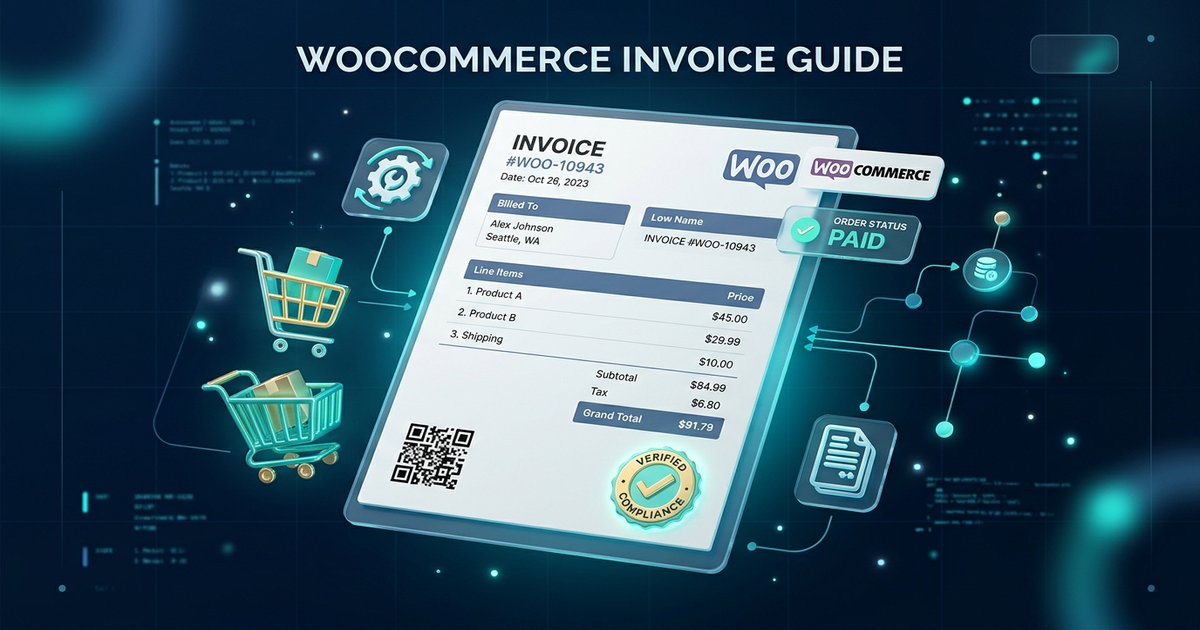
If you run an online store with WooCommerce, you already know that closing a sale is only half the battle. Once an order is placed, your accounting, fulfillment, and customer support workflows immediately kick into gear. But here is an uncomfortable truth that many store owners discover too late: the default WooCommerce order confirmation email is not a legal tax invoice.
Depending on where you or your customers operate—whether across the European Union, the United Kingdom, the United States, or Asia—tax authorities mandate strict accounting standards. Customers frequently demand downloadable, tax-compliant PDF invoices for expense reports, corporate accounting, or customs clearance. Handling these requests manually via support emails burns hours of valuable time each week.
In this comprehensive guide, we will break down the essential legal requirements for eCommerce invoicing, show you how to automate PDF invoices and packing slips in WooCommerce in under two minutes, and share practical branding and developer tips to elevate your post-purchase customer experience.
1. Legal & Tax Requirements for WooCommerce Invoices
Unlike simple order summaries, a commercial invoice is a legally binding accounting document. Different jurisdictions enforce specific regulations regarding what information must appear on an invoice before it is legally recognized:
European Union (EU VAT Directive 2006/112/EC)
If you sell to B2B or B2C customers in the European Union, invoices are mandatory for cross-border transactions. Under EU law, your invoices must include:
- The supplier’s full registered legal name, physical address, and VAT registration number.
- The customer’s full name, billing address, and (for B2B reverse-charge sales) their validated VAT identification number.
- A unique, sequential invoice number based on one or more series.
- Clear breakdown of taxable amounts per VAT rate, total VAT amount due in the national currency, and exempt amounts.
United Kingdom (HMRC Invoicing Standards)
HMRC requires VAT-registered businesses to issue valid VAT invoices within 30 days of the time of supply. Key requirements include the time of supply (tax point), unit prices excluding VAT, applicable rate of VAT, and total VAT payable.
United States & International Invoicing
While the US does not have a federal VAT, state economic nexus laws require accurate calculation and display of state and local sales tax. Furthermore, B2B buyers routinely demand detailed PDF receipts showing company registration details, line item pricing, and payment confirmation timestamps.
2. 6 Essential Elements Every Compliant Invoice Must Have
Before selecting or configuring your WooCommerce invoicing tool, ensure your generated documents include these six foundational pillars:
1. Sequential Invoice Numbering
Your invoice number sequence should never have accidental gaps. While WooCommerce order IDs jump unpredictably (due to failed checkouts or post drafts), invoices need strict, sequential numbering (e.g., INV-2027-0001).
2. Complete Seller Identification
Your legal business entity name, registered office address, tax/VAT identification number, and contact email must be unmistakably clear at the header of the page.
3. Transparent Itemized Totals
Item title, SKU, unit price, quantity, discounts applied, and tax rates must be displayed line by line rather than lumped together.
4. Dates & Timestamps
Distinctly display both the Order Date and the official Invoice Issue Date, alongside the payment method utilized.
5. Verified Currency Formatting
PDF rendering engines often break non-Latin currency symbols (such as the Bangladeshi Taka ৳, Indian Rupee ₹, or Thai Baht ฿) into empty boxes or question marks. Ensure your PDF engine embeds proper native glyphs.
6. Terms & Customer Notes
A concise footer stating your payment terms, return policy duration, and custom customer order notes.
3. How to Automate PDF Invoices in WooCommerce (Step-by-Step)
Automating your invoicing workflow eliminates human error and frees up hours of administrative support. We will set up automated PDF invoices using the free, lightweight WPWing PDF Invoice & Packing Slip for WooCommerce plugin.
Step 1: Install and Activate the Plugin
- Log in to your WordPress Admin dashboard and navigate to Plugins → Add New.
- In the search bar, type “WPWing PDF Invoice”.
- Click Install Now, and once installed, click Activate.
Step 2: Run the 2-Minute Setup Wizard
Upon activation, the streamlined WPWing Setup Wizard launches automatically:
- Shop Details: Enter your company name, physical address, and contact details.
- Upload Logo: Select your high-resolution PNG or JPG brand logo.
- Paper Format: Choose between standard A4 (standard across Europe, Asia, and Latin America) or Letter (standard for North America).
- Email Triggers: Check the box for Completed Order or Processing Order to automatically attach the PDF invoice whenever an order reaches that status.
Step 3: Configure Sequential Invoice Numbering
Navigate to WooCommerce → PDF Invoices → General. Here you can configure accounting-compliant sequential numbering:
- Prefix: e.g.,
INV-[year]- - Next Number: e.g.,
1001 - Zero Padding: Set to
4digits so numbers display cleanly asINV-2027-1001. - Yearly Reset: Enable this toggle if your accounting fiscal year restarts numbering each January 1st.
4. Branding Your Invoices: Logos, QR Codes & Thumbnails
Your invoice is a key touchpoint in the post-purchase customer journey. A sloppy, unbranded document looks unprofessional, while a crisp, branded invoice builds lasting buyer trust.
Including Product Thumbnails in Item Tables
Visual packing lists and invoices drastically reduce fulfillment mistakes. In WPWing PDF Invoice, you can enable product thumbnails (32×32, 48×48, or 64×64 pixels) directly in the line item table. The plugin automatically downscales and caches thumbnail images locally, preventing server memory crashes that frequently plague older Dompdf implementations.
Adding Scannable QR Codes for Verification
Enable the Dynamic QR Code option in your template settings. The plugin generates a sharp, vector QR code on the top or bottom of the invoice linking directly to the customer’s secure order verification URL. This allows delivery drivers, warehouse staff, or the customer to verify order authenticity on mobile instantly.
5. Why Your Store Also Needs Packing Slips and Delivery Notes
Many merchants make the mistake of using standard invoices for warehouse picking and parcel delivery. This creates two distinct problems:
- Privacy & Pricing in Gifts: If a customer purchases a gift for a friend or family member, an invoice discloses the exact price paid. A price-free Packing Slip or Delivery Note conceals pricing while detailing item quantities and custom gift messages.
- Warehouse Picking Efficiency: Warehouse packers need clear checkboxes, product SKUs, variation attributes (such as Size and Color), and package weights. WPWing includes all four document types—Invoices, Packing Slips, Delivery Notes, and Shipping Labels—100% free.
6. Developer Tips: Customizing with Action Hooks & Filters
If you are an agency developer or custom site builder, WPWing provides clean action hooks and filters to modify invoice templates without touching core code.
Example: Adding a Custom Customer Note or Tax Exemption Notice
Add the following snippet to your theme’s functions.php file or a custom site plugin:
/**
 * Append a custom VAT exemption notice to WPWing PDF Invoices
 */
add_action( 'wpwing_pdf_invoice_after_customer_notes', function( $order, $document_type ) {
    if ( 'invoice' === $document_type ) {
        $vat_number = $order->get_meta( '_billing_vat_number' );
        if ( ! empty( $vat_number ) ) {
            echo '<div class="tax-exempt-notice" style="margin-top: 10px; font-size: 10px; color: #555;">';
            echo '<strong>EU VAT Reverse Charge Applied:</strong> ' . esc_html( $vat_number );
            echo '</div>';
        }
    }
}, 10, 2 );
7. Frequently Asked Questions (FAQ)
Can customers download invoices from their My Account page?
Yes. When enabled in WooCommerce → PDF Invoices → General, a “Download Invoice (PDF)” button appears automatically next to past orders on the customer’s My Account → Orders page. You can also place the [wpwing_invoice] shortcode anywhere on your site.
Can I prevent invoices from being generated for free ($0) orders?
Yes. Simply enable the “Disable for free orders” setting. Free promotional orders or lead-generation checkouts will not generate or attach invoice PDFs to customer emails.
Is this plugin compatible with WooCommerce HPOS (High-Performance Order Storage)?
Yes. WPWing is 100% compatible with WooCommerce High-Performance Order Storage (HPOS) and legacy custom post types, ensuring fast database queries and future-proof compatibility.
Can I bulk download invoices as a single merged PDF?
Yes. From your WooCommerce Orders list, select multiple orders, choose Download Invoices (Merged PDF) or Download Invoices (ZIP) from the Bulk Actions dropdown, and click Apply to export everything in seconds.
Conclusion: Upgrade Your WooCommerce Post-Purchase Flow Today
Providing compliant, professional PDF invoices is not just about meeting accounting regulations—it is an opportunity to elevate your brand reputation, reduce repetitive support requests, and streamline your warehouse fulfillment.
Ready to automate your billing workflow? Download and install WPWing PDF Invoice & Packing Slip for WooCommerce directly from the WordPress.org plugin directory today and set up your automated post-purchase workflow in under two minutes.