
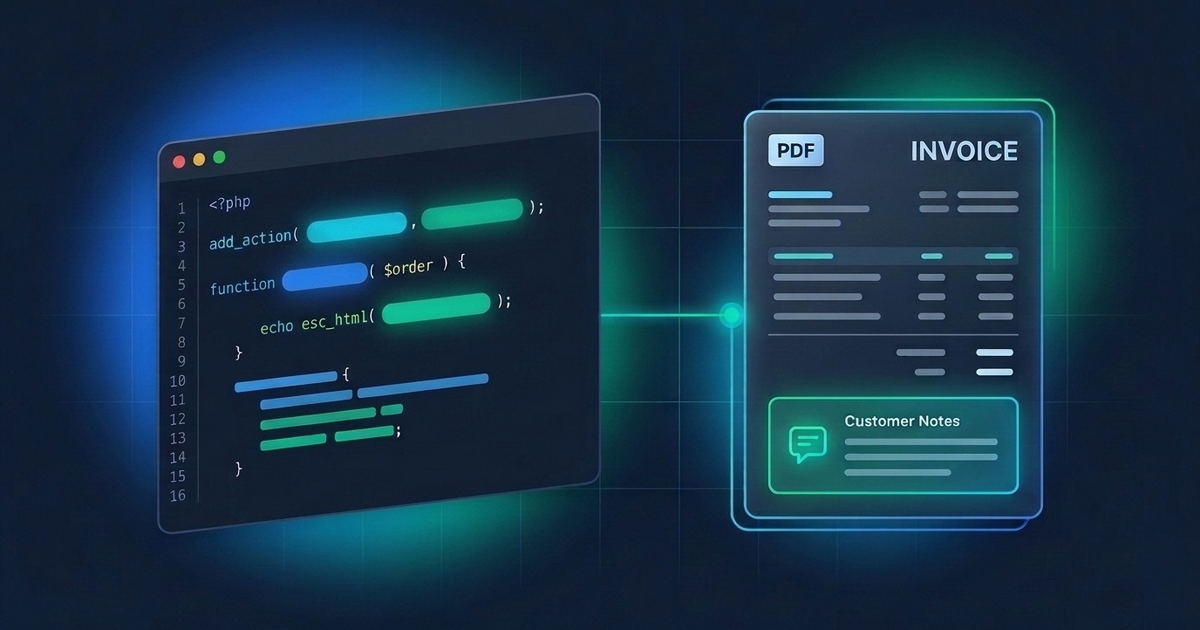
In standard WooCommerce checkouts, customers frequently leave important order instructions in the “Order notes” field. These notes range from specific delivery instructions (such as gate codes or apartment buzzers) to VAT numbers, purchase order (PO) identifiers, or heartfelt gift messages. However, standard WooCommerce email templates and default document setups often truncate, hide, or completely ignore these critical customer details on generated billing documents.
Displaying customer notes prominently on PDF invoices ensures seamless communication between buyers, fulfillment personnel, and accounting departments. In this tutorial and code snippet guide, we demonstrate both the no-code method and clean PHP developer hooks to display, format, and customize customer notes on invoices using WPWing PDF Invoice & Packing Slip for WooCommerce (WordPress.org link).
Why Customer Notes Matter on PDF Invoices
Order notes serve distinct purposes depending on whether your store operates B2C or B2B eCommerce models:
- B2B Purchase Orders & Project Codes: Corporate clients often require their internal purchase order (PO) reference or department billing code printed directly on invoice PDFs for vendor reconciliation and tax compliance.
- Special Delivery & Freight Handling: When high-value shipments require a signature, specific loading dock instructions, or freight delivery notes, printing them directly on accompanying documentation prevents costly delivery failures.
- Gift Messages & Personalized Orders: For holiday retail sales, customer-written gift notes enclosed with order paperwork provide a polished, premium unboxing experience.
Method 1: The No-Code Toggle in WPWing Settings
If you only need to output the standard checkout customer note without custom styling, WPWing provides a simple administrative toggle that requires zero programming:
- Log in to your WordPress dashboard and navigate to WPWing Invoicing > Settings > Documents > Invoice.
- Scroll down to the Document Content section.
- Locate the Customer Notes toggle and switch it to Enabled.
- Choose your preferred placement position: either Below Billing Address or Below Order Table.
- Click Save Changes.
All newly generated invoice PDFs will now automatically include the buyer’s order note cleanly positioned within your invoice template.
Method 2: Custom PHP Hook for Styled Notes & Fallbacks
For store owners and agency developers who want advanced control, such as wrapping the note inside a callout box, adding custom labels, or providing a default fallback message when no note was entered, WPWing provides native action hooks.
Add the following snippet to your child theme’s functions.php file or via a code snippets plugin:
<?php
/**
 * Custom Customer Note Display for WPWing PDF Invoices
 * Hooks into: wpwing_invoice_after_customer_notes
 */
add_action( 'wpwing_invoice_after_customer_notes', function( $order ) {
    if ( ! $order ) {
        return;
    }

    // Retrieve customer checkout note
    $customer_note = $order->get_customer_note();

    if ( ! empty( $customer_note ) ) {
        ?>
        <div class="wpwing-custom-note-box" style="margin-top: 15px; margin-bottom: 15px; padding: 12px 16px; background-color: #f8fafc; border-left: 4px solid #2563eb; border-radius: 4px;">
            <h4 style="margin: 0 0 6px 0; font-size: 11px; text-transform: uppercase; color: #1e293b; letter-spacing: 0.5px;">
                Customer Order Instructions:
            </h4>
            <p style="margin: 0; font-size: 11px; line-height: 1.5; color: #334155;">
                <?php echo nl2br( esc_html( $customer_note ) ); ?>
            </p>
        </div>
        <?php
    }
}, 10, 1 );
Method 3: Outputting Custom Checkout Fields (VAT, PO, Gate Code)
Many modern stores use plugins like Checkout Field Editor, Advanced Custom Fields (ACF), or custom code to capture additional checkout fields. You can pull those custom order meta keys and format them cleanly into the invoice footer:
<?php
/**
 * Render Custom Checkout Fields (PO Number & Delivery Instructions) on WPWing Invoices
 */
add_action( 'wpwing_invoice_after_order_details', function( $order ) {
    if ( ! $order ) {
        return;
    }

    $po_number    = $order->get_meta( '_billing_po_number' );
    $delivery_inst = $order->get_meta( '_delivery_instructions' );

    if ( ! empty( $po_number ) || ! empty( $delivery_inst ) ) {
        echo '<div style="margin-top: 15px; padding: 10px; background: #f1f5f9; border-radius: 4px;">';
        if ( ! empty( $po_number ) ) {
            echo '<p style="margin: 2px 0; font-size: 11px;"><strong>PO Number:</strong> ' . esc_html( $po_number ) . '</p>';
        }
        if ( ! empty( $delivery_inst ) ) {
            echo '<p style="margin: 2px 0; font-size: 11px;"><strong>Special Instructions:</strong> ' . esc_html( $delivery_inst ) . '</p>';
        }
        echo '</div>';
    }
}, 15, 1 );
Best Practices for Notes on PDF Invoices
When displaying arbitrary user input on legal PDF documents, follow these security and design rules:
- Always Sanitize Output: Never echo raw customer notes directly without
esc_html()orwp_kses_post(). This prevents script injection and unescaped HTML characters from breaking your PDF layout parser. - Preserve Line Breaks: Customer notes often contain multi-line delivery instructions. Use
nl2br()so carriage returns format correctly instead of collapsing into a single run-on sentence. - Maintain Print-Friendly Contrast: Avoid faint grey text or low-contrast backgrounds that might disappear when printed on monochrome laser or thermal warehouse printers.
Frequently Asked Questions (FAQ)
Can I hide customer notes on customer invoices but show them on warehouse packing slips?
Yes. WPWing manages template settings independently for invoices and packing slips. You can toggle customer notes off under the Invoice settings tab while keeping them active under the Packing Slip settings tab.
Are customer notes displayed on both downloadable PDFs and email attachments?
Yes. Because WPWing compiles a unified vector PDF, any fields or hooks you configure apply consistently whether the customer downloads the invoice from their “My Account” page or opens the automated PDF attachment in their order confirmation email.
Does this snippet work with WooCommerce High-Performance Order Storage (HPOS)?
Yes. The code snippets utilize the standard CRUD methods ($order->get_customer_note() and $order->get_meta()), which are 100% compatible with WooCommerce HPOS and standard postmeta storage.
Build Fast, Customizable WooCommerce Invoices with WPWing
Automate your store billing, packing slips, and customer receipts with lightweight, developer-friendly WooCommerce invoicing tools.